Borderlands 4 Beginner Guide: Vault Hunters, SHiFT Keys & Essential Tips
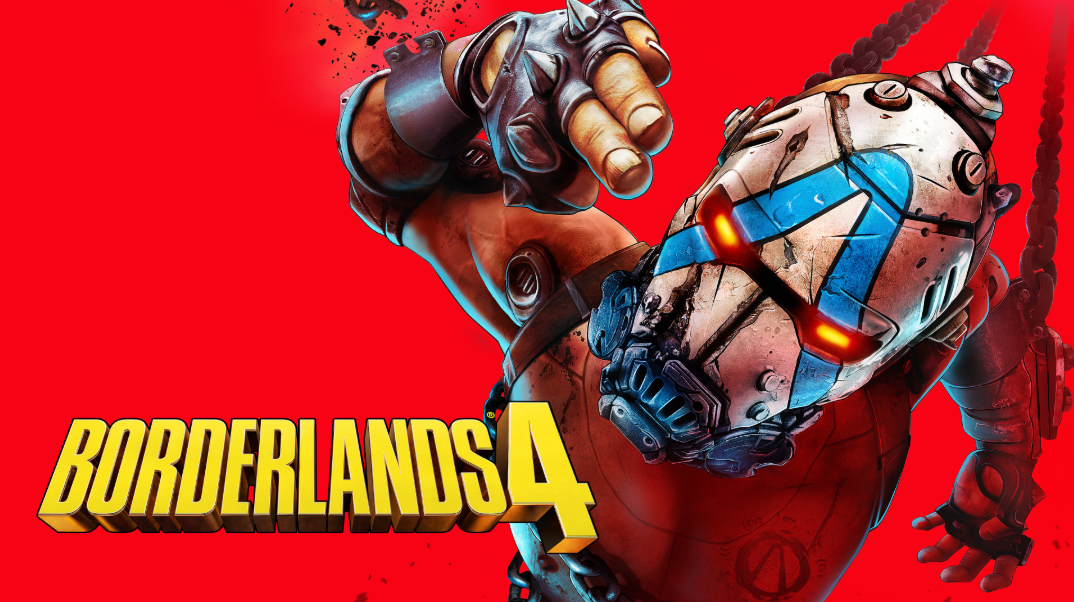
This Borderlands 4 beginner guide will help you understand Vault Hunters, SHiFT Keys, early progression, and the most important gameplay basics.
This beginner guide covers the most useful things to know before and during your first playthrough, including Vault Hunter basics, movement, SHiFT and Golden Keys, performance tips, and early progression advice.
Release Date, Pre-Orders & Platforms
Borderlands 4 launched on September 12, 2025, for PC, PlayStation 5, and Xbox Series X|S.
A Nintendo Switch 2 version is also planned, but Nintendo currently lists its release date as TBD.
What You Get at Launch: Core Features
New Vault Hunters & Action Skills
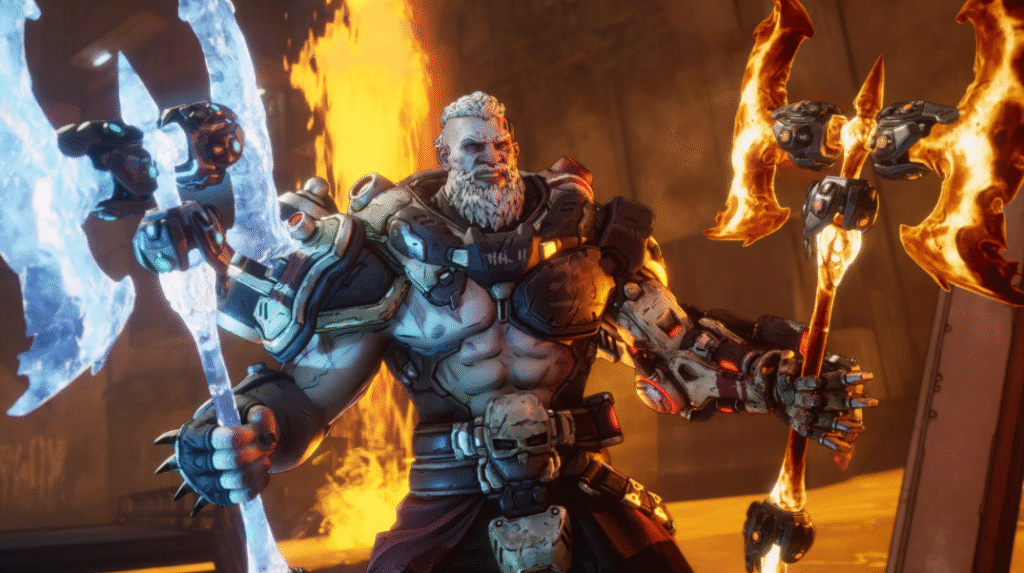
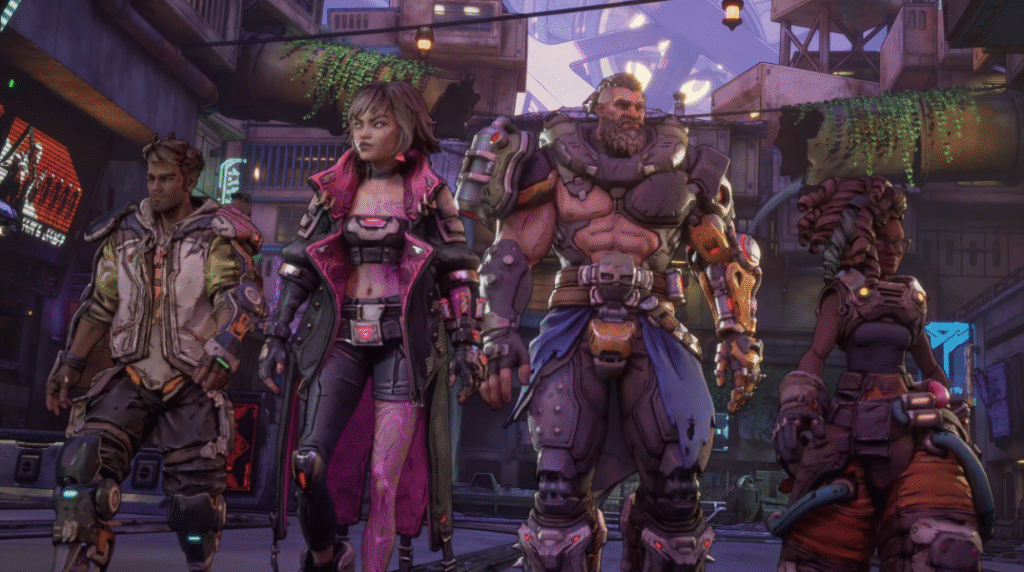
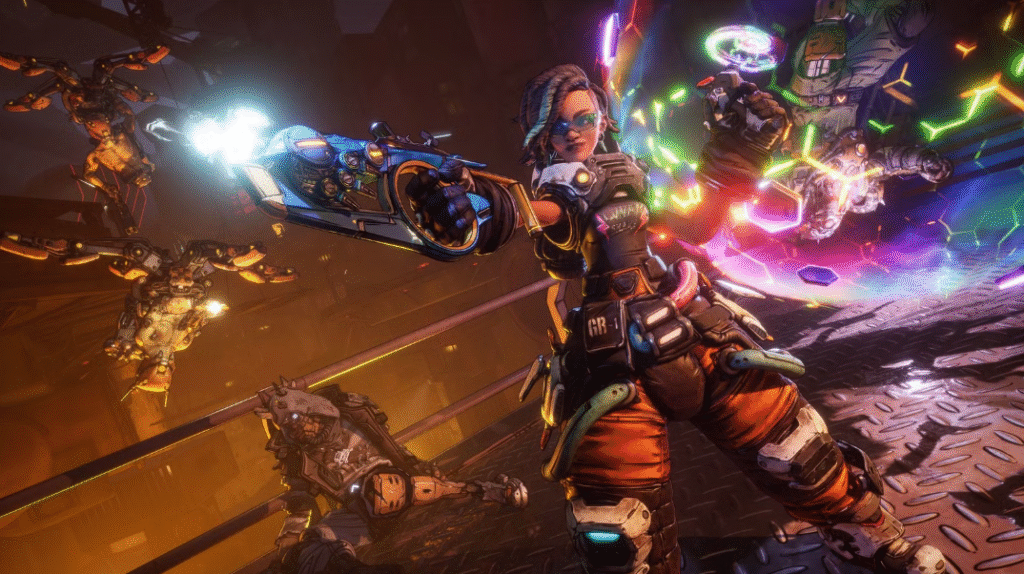
Borderlands 4 features four Vault Hunters: Vex, Rafa, Amon, and Harlowe. Each character has different Action Skills and skill trees, so your choice should match the playstyle you enjoy most.
- Choose your Vault Hunter carefully: Try different Action Skills before investing heavily in one build.
- Experiment with weapons: Different manufacturers and elemental effects can perform better against different enemies.
- Use movement tools: Take advantage of improved traversal and mobility during combat and exploration.
- Explore side areas: Optional areas can reward you with better loot, upgrades, and useful resources.
- Don’t worry about a perfect build early: Your priority should be learning your character and finding weapons that feel comfortable.
Beginner Tip: Avoid copying an endgame build during your first few hours. Learn your Vault Hunter’s skills first, then specialize as better gear becomes available.
Stages of Gameplay: Walkthrough of the Experience
Here are the phases you will go through, from zero to endgame:
1. Tutorial / Prologue
You’ll begin with a tutorial zone that introduces your Vault Hunter, basic gunplay, Action Skills, and some traversal mechanics. You’ll also be introduced to your first Safehouse or Faction area, where you can access respec machines or vendors. During this time, linking a SHIFT account is very important. It unlocks crossplay, SHiFT keys, golden keys, and cosmetic bonuses. Don’t delay this.
2. Borderlands 4 Beginner Guide: Early Progression Tips
During the first few hours, focus on learning your Vault Hunter instead of chasing a perfect build.
- Save stronger gear for difficult encounters instead of selling everything immediately.
- Complete early missions to unlock useful areas and vendors.
- Spend skill points on abilities that match your current weapons and playstyle.
- Keep trying new weapons instead of holding onto weak gear for too long.
- Explore side activities for extra loot and experience.
3. SHiFT and Golden Keys
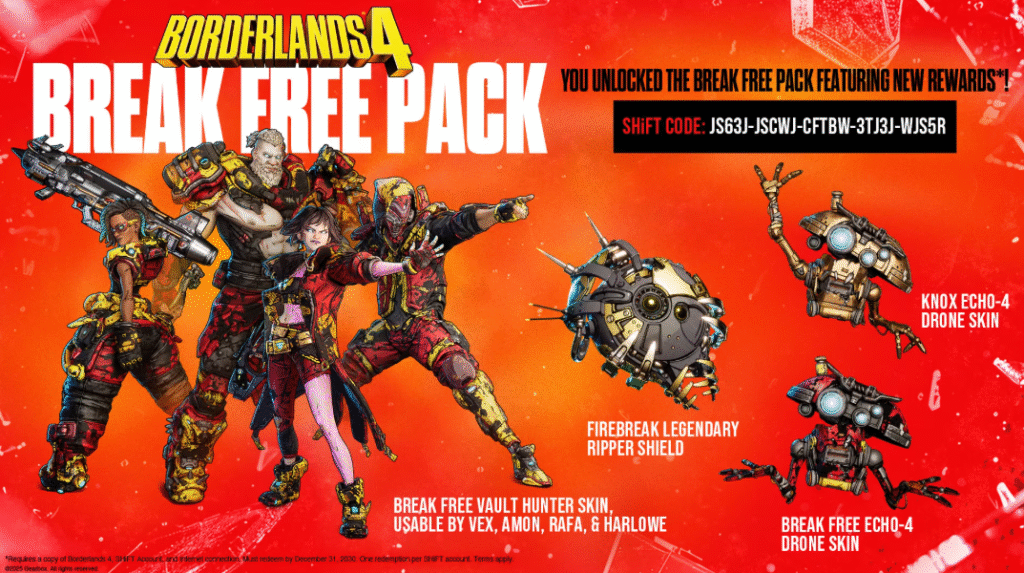
A SHiFT account lets you redeem SHiFT Codes for bonus rewards and special in-game items. Gearbox’s official SHiFT service supports code redemption and bonus loot.
- Golden Keys can be useful for obtaining extra loot, so avoid wasting them unnecessarily.
- Link your SHiFT account to the platform you use.
- Redeem valid SHiFT Codes when they become available.
4. Optimization / Performance Tuning
Around mid-game, you’ll likely notice performance strain, especially on PC or in co-op. Here are the steps to improve performance:
- Update GPU drivers (both NVIDIA and AMD have published optimization guides).
- Adjust graphics settings: reduce shadow resolution, particle density, lower texture quality, and disable or reduce ray tracing.
- If available, turn on performance mode (on Xbox/PS5).
- Consider limiting frame rate, ceiling, or resolution scale if your hardware is struggling.
- For PC users with scalable GPUs, tools like DLSS / FSR/upscaling may help.
- Be aware of the shader recompilation process: after changing graphics settings, shaders may need to recompile (which may take many minutes). (Patch Notes)
Core Skills: Focus early on elemental-based skills. For example, one tree boosts elemental damage or damage over time; another enhances Vex’s minion or spectral familiar – useful for crowd control.
- Gear & Weapon Choices: Early SMGs or Maliwan elemental weapons; later, mix with high crit or elemental burst gear.
- Build Suggestions
- Core Skills: Strengths in exo enhancements and durability. Build toward shielding, armor, and damage mitigation, then layer in enhancements that amplify heavy weapons or area damage.
- Gear & Weapon Choices: Heavy weapons, explosive weapons (Torgue or order-burst specializing loot), and gear that enhances exo suit performance.
PC System Requirements and Performance
Borderlands 4 is demanding on PC, so checking your hardware before playing is important.
Minimum requirements include:
- 16 GB RAM
- Intel Core i7-9700 / AMD Ryzen 7 2700X
- RTX 2070 / RX 5700 XT / Intel Arc A580
- 100 GB SSD storage
- 8 GB VRAM required
Recommended hardware includes:
- 32 GB RAM
- Intel Core i7-12700 / AMD Ryzen 7 5800X
- RTX 3080 / RX 6800 XT / Intel Arc B580
- 100 GB SSD storage
These are the current Steam requirements.
Performance Tips
- Keep GPU drivers updated.
- Lower shadows and effects if frame rate drops.
- Use upscaling options when available.
- Close unnecessary background apps while playing.
- Install the game on an SSD.
Purane RTX 5090 example, exact FPS claims aur long performance paragraph delete kar dein.
Frequently Asked Questions
Which Borderlands 4 Vault Hunter is best for beginners?
There is no single best choice. Pick the Vault Hunter whose Action Skills match your preferred playstyle.
What are SHiFT Codes used for?
SHiFT Codes can unlock bonus rewards such as Golden Keys and other promotional items.
How much RAM does Borderlands 4 need?
The minimum requirement is 16 GB of RAM, while 32 GB is recommended.
Does Borderlands 4 require an SSD?
Yes. The Steam requirements specify 100 GB of available SSD storage.
Conclusion
Borderlands 4 has a lot to learn at first, but the game becomes much easier once you understand your Vault Hunter, experiment with weapons, and use SHiFT rewards wisely.This Borderlands 4 beginner guide covers the essentials you need for a smoother first playthrough.
Focus on learning your character during the early game instead of chasing a perfect build. Keep your hardware updated, explore side content, and gradually specialize your skills as better gear becomes available.
Share this content:






1 comment