Monster Hunter Wilds System Requirements: Minimum & Recommended PC Specs
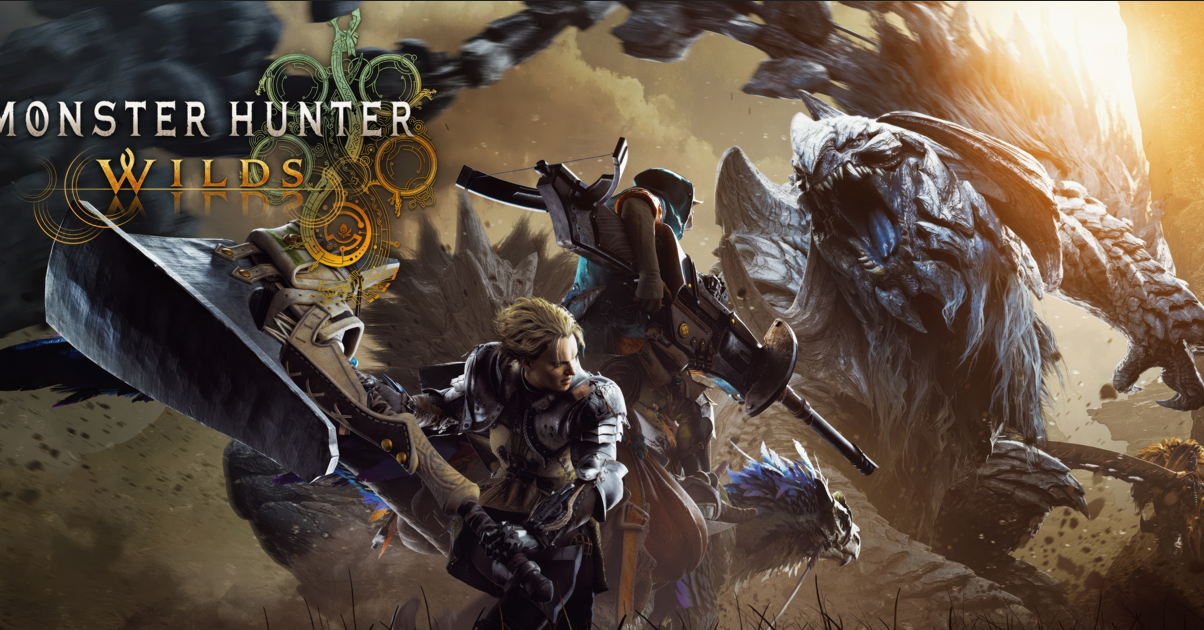
Monster Hunter Wilds system requirements are demanding, so checking your PC hardware before installing the game is important.
According to the current Steam requirements, the game needs 16 GB of RAM, DirectX 12, and an SSD, while the minimum GPU starts around a GTX 1660 or Radeon RX 5500 XT. Recommended hardware includes an RTX 2060 Super or Radeon RX 6600 for a better 1080p experience.
This guide covers minimum and recommended PC specs, storage requirements, expected performance, and hardware to consider for smoother gameplay.
Table of Contents
- Introduction to Monster Hunter Wilds
- Monster Hunter Wilds Release Date and Platforms
- Official System Requirements for PC
- Actionable Tips for Smooth Performance
- Frequently Asked Questions (FAQ)
- Conclusion
1. Introduction to Monster Hunter Wilds
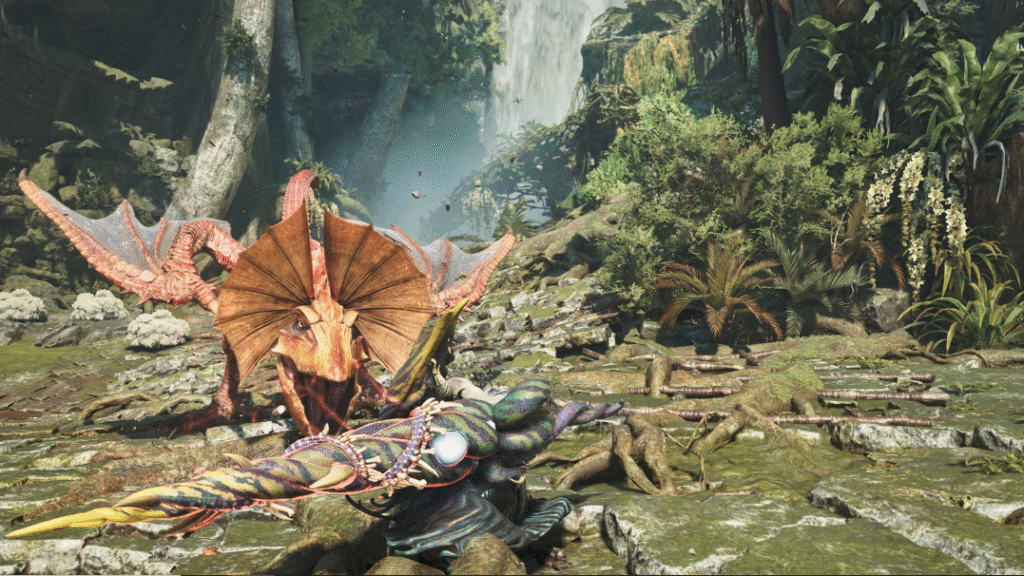
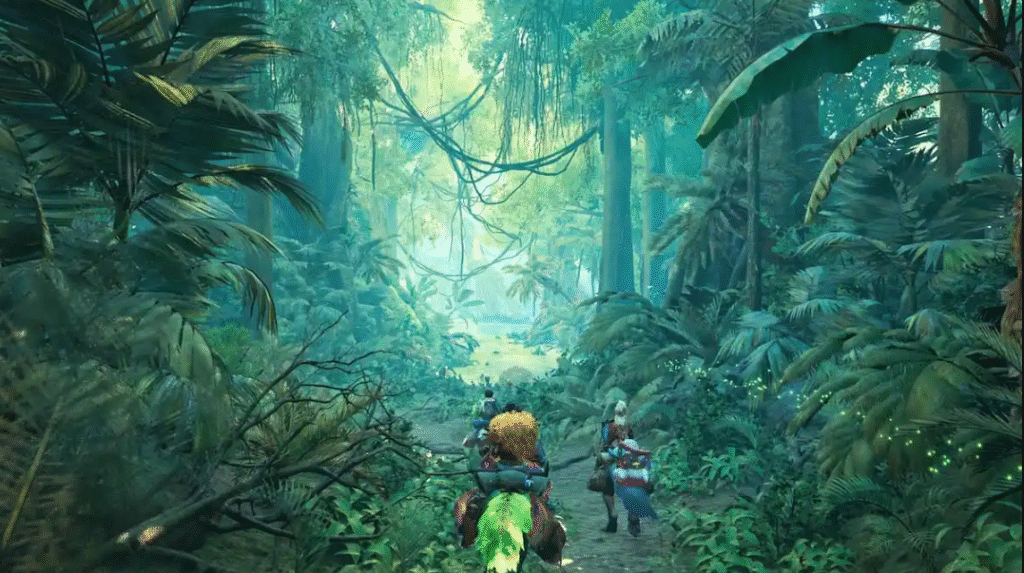
Monster Hunter Wilds marks the biggest leap yet for Capcom’s iconic series. Instead of segmented maps, you’ll explore vast interconnected zones with changing weather, roaming monsters, and dynamic ecosystems. This ambitious scope explains why Monster Hunter Wilds’ system requirements are more demanding than past titles like Monster Hunter World or Rise.
For ongoing news, including patch notes and optimization guides, visit our Monster Hunter section at GamingOcean.xyz. For verified details, see Capcom’s official pages.
2. Monster Hunter Wilds Release Date and Platforms
- Release Date: February 28, 2025 (global launch).
- Platforms: PlayStation 5, Xbox Series X|S, and Windows PC (via Steam).
- Beta/Demo History: An open beta in October 2024 gave players an early taste, while Capcom showcased the demo during Summer Game Fest. (RPGFan Preview)
Knowing your platform options is key. PS5 offers “Performance” vs. “Quality” modes, Xbox Series X|S has similar toggles, and PC players can customize settings extensively.
For region-specific buying tips and platform comparisons, head to GamingOcean.xyz’s Monster Hunter hub.
3. Official System Requirements for PC
Below are the official Monster Hunter Wilds system requirements for PC.
| Component | Minimum Requirement |
|---|---|
| OS | Windows 10/11 64-bit |
| CPU | Intel Core i5-10400 / Intel Core i3-12100 / AMD Ryzen 5 3600 |
| RAM | 16 GB |
| GPU | NVIDIA GTX 1660 6 GB / AMD RX 5500 XT 8 GB |
| DirectX | Version 12 |
| Storage | 75 GB available space, SSD required |
| Network | Broadband internet connection |
Expected minimum performance: 1080p output upscaled from 720p at around 30 FPS using the Lowest graphics preset. DirectStorage is supported. Stream Store

4. Actionable Tips for Smooth Performance
- Use an NVMe SSD: DirectStorage shines only with fast drives.
- Optimize VRAM Usage: Lower texture settings if you have under 8 GB VRAM.
- Enable Upscaling: DLSS or FSR can add 20-40% performance on supported GPUs.
- Reduce Shadows/Post-Processing: Big FPS gain without hurting visuals too much.
- Monitor Temps: High CPU/GPU temps cause throttling—clean your case and ensure airflow.
Example: A PC with RTX 3060 + Ryzen 5 3600 + 16 GB RAM ran at ~55 FPS at 1080p medium with DLSS enabled during the beta. A stronger system (RTX 4070 + Ryzen 7) hit 80+ FPS at high settings. (Steam Community Feedback)
More tweak tips at GamingOcean.xyz’s optimization page.
5. Frequently Asked Questions (FAQ)
How much RAM does Monster Hunter Wilds need?
Monster Hunter Wilds requires 16 GB of RAM for both minimum and recommended PC specifications.
Does Monster Hunter Wilds require an SSD?
Yes. An SSD is required, with around 75 GB of available storage space.
Can a GTX 1660 run Monster Hunter Wilds?
Yes. The GTX 1660 6 GB is listed among the minimum supported GPUs, although performance will require lower graphics settings.
What GPU is recommended for Monster Hunter Wilds?
The recommended GPUs include the NVIDIA RTX 2060 Super 8 GB or AMD RX 6600 8 GB.
Can Monster Hunter Wilds run at 60 FPS?
The recommended specification targets approximately 1080p at 60 FPS with Frame Generation enabled on Medium settings.
6. Conclusion
Before installing the game, compare your PC with the Monster Hunter Wilds system requirements above.
For minimum settings, 16 GB RAM, an SSD, and a GTX 1660-class GPU are required. For a smoother experience, an RTX 2060 Super or RX 6600-class GPU is a better target.
If your PC is close to the minimum requirements, lower graphics settings and upscaling can help improve performance.
Share this content:





Post Comment